
Digital Name Card vs Physical Name Card: Which to Choose?
Choosing between a digital name card and a physical name card depends on how you network and follow up. A physical name card is the most traditional way to exchange contact details and works without a phone, while a digital name card makes updates and sharing easier.
The best name card helps people remember you and gives them a clear reason to respond when you follow up. At a busy event, someone may collect many cards and forget your face, conversation, or purpose within days.
The name card is only one part of the exchange. What can make the connection more memorable is what you do next.
The Problem With Traditional Physical Name Cards
At a busy networking event, you may meet 20 or 30 people in a few hours. You collect several physical name cards, place them in your pocket or bag, and continue talking to the next person.
A few days later, those cards end up sitting in a drawer. You might recognize a name, but struggle to recall the person’s face, job role, or what you discussed. Without context, even a premium business card becomes just another piece of paper.
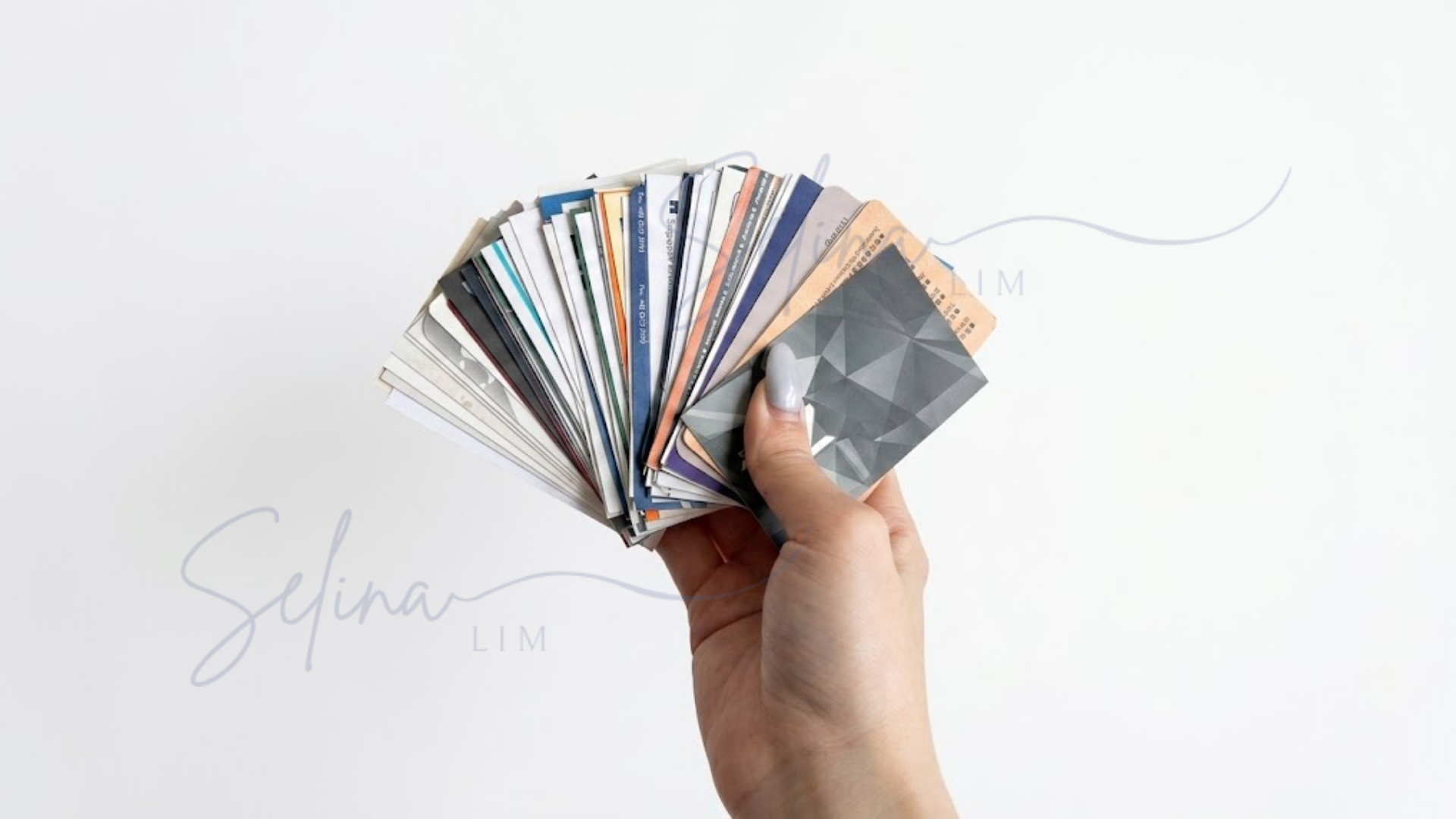
And the same can happen to the name card you gave them. They may have your contact details, but that doesn’t mean they’ll remember who you are or what you talked about when you follow up a few days later.
Key Takeaway: A physical name card stores your contact details, but it doesn't store the memory of meeting you.
What a Physical Card Provides | What a Physical Card Lacks |
|---|---|
Your name and contact details | A record of your actual conversation |
A professional introduction | Context about where and when you met |
A quick, offline exchange | An immediate way to continue the conversation |
A Name Card Should Help People Remember You, Not Just Contact You
People can exchange phone numbers and emails instantly via messaging apps, social profiles, and websites. The main purpose of a networking name card is helping someone remember why they should work with you.
When designing or choosing a business card format, ask yourself:
How can I make it effortless for this person to remember me when I follow up?
This doesn’t mean physical name cards don’t work. The problem is relying on the card alone. A quick follow-up, a note about what you discussed, or connecting on WhatsApp can give both of you more context to remember the conversation later.
A Step-by-Step System for Networking Events
Instead of handing out name cards and hoping for the best, use this 5-step process to build memorable connections:
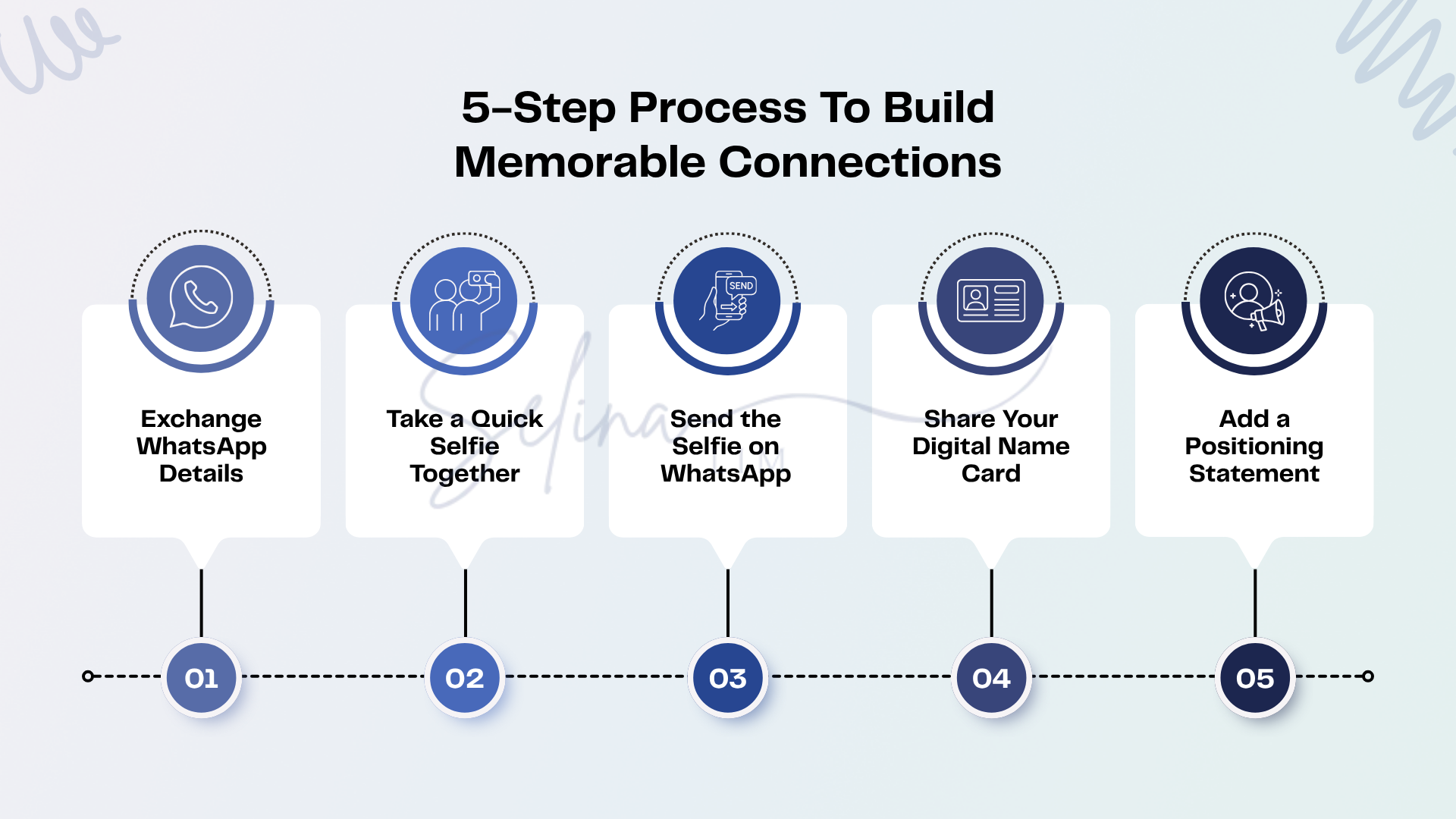
1. Exchange WhatsApp Details
After a good conversation, exchange WhatsApp details before you leave. You can use the built-in WhatsApp QR code so the other person can scan and add you immediately. Then send a quick message while you're still together.
For example:
“Hi Daniel! Selina here 😊 Great meeting you today!”
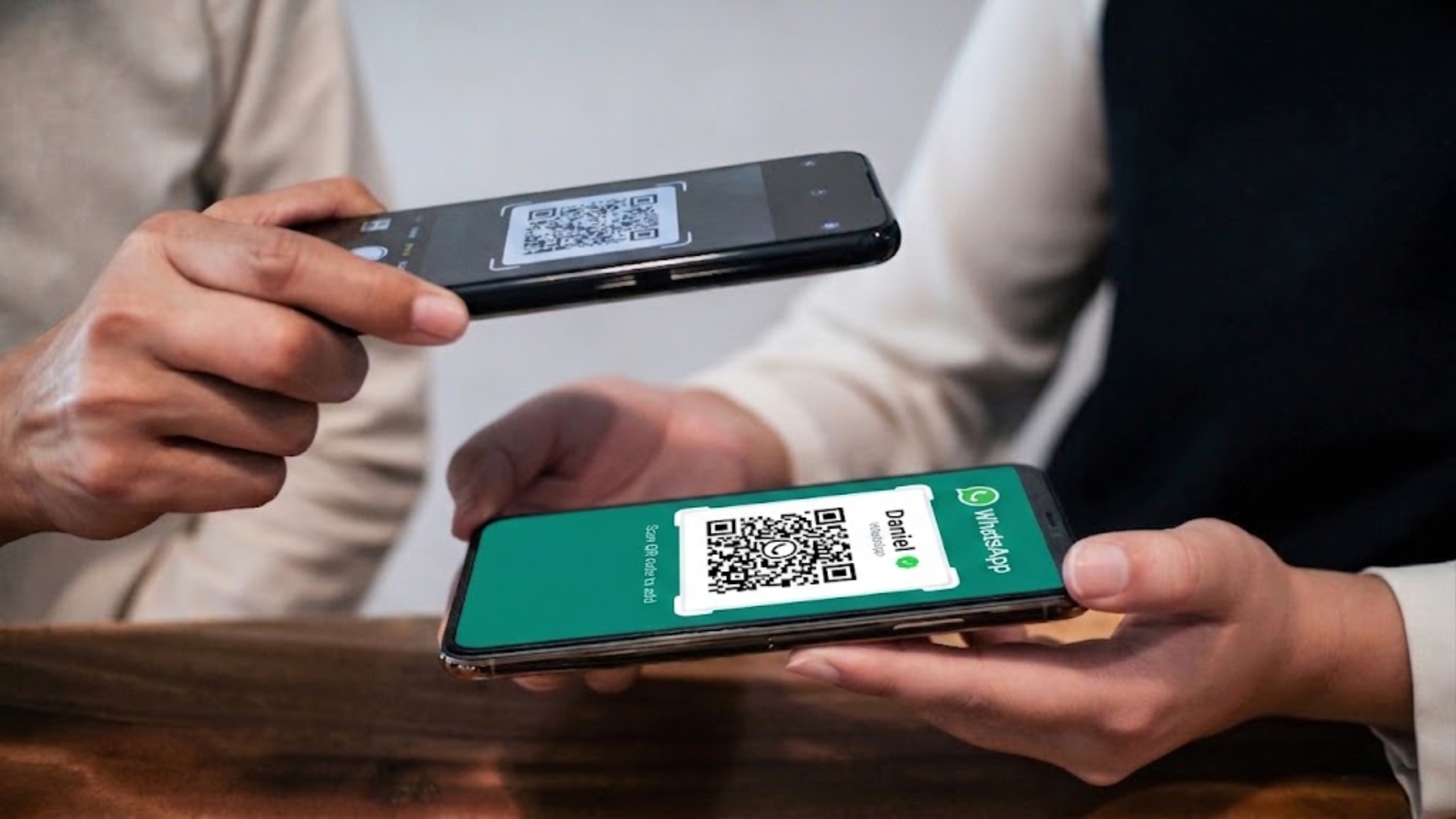
Now you already have an existing conversation.
You don't need to go home and manually save a number from a physical name card. More importantly, when you follow up later, you are continuing an existing conversation rather than appearing out of nowhere.
2. Take a Quick Selfie Together
Ask if they’d like to take a quick photo together. With so many people to meet at a networking event, the photo can help both of you remember who you spoke to later.

When either of you looks back at the WhatsApp conversation later, the photo makes it much easier to remember each other.
3. Send the Selfie on WhatsApp
Don't just take the photo and leave it in your camera roll. Send it to them immediately with a short message:
“Nice meeting you today! 😊 Here’s our photo from earlier.”
You can also mention something you talked about. For example:
“Really enjoyed our chat about improving your customer follow-up too.”

Now your WhatsApp conversation contains:
Your names + your photo together + where you met + what you discussed
This gives both of you more context when you look back at the conversation later, rather than trying to remember each other from a name card alone.
4. Share Your Digital Name Card
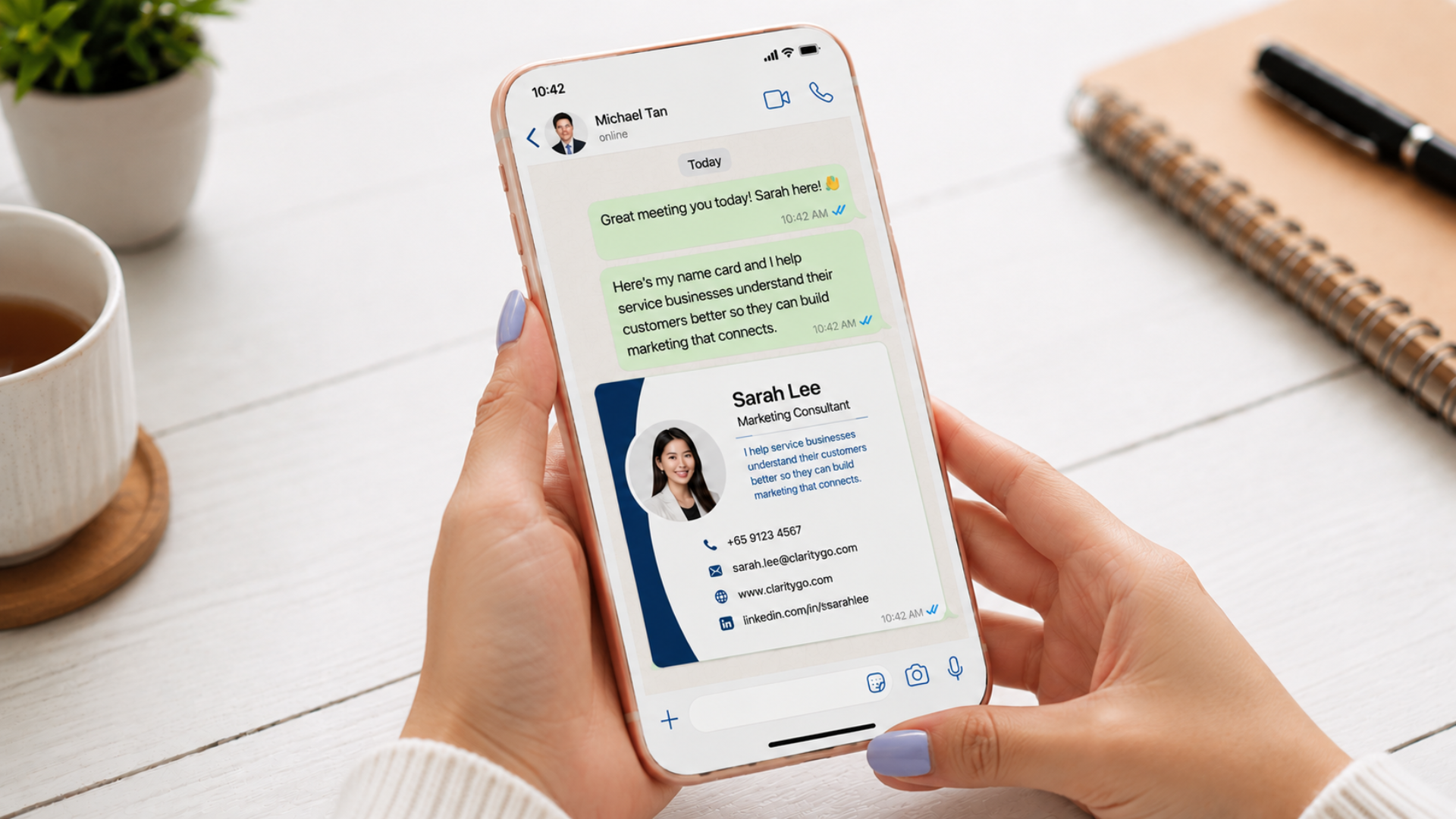
Follow up the selfie by sending your name card directly in the WhatsApp chat. This could be an image of your name card or a link to your digital name card.
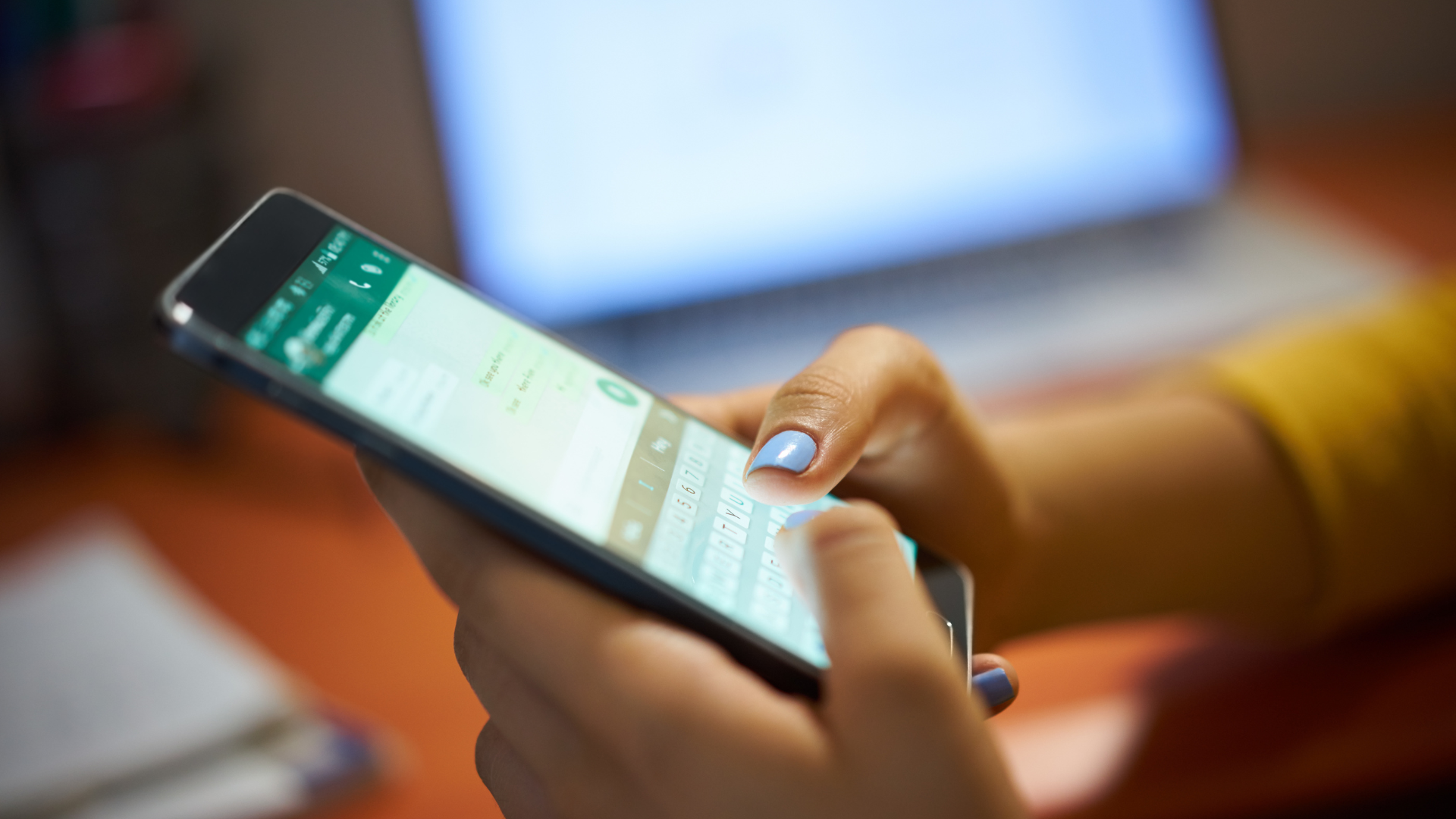
Even if you're simply sending an image, there is one big advantage: your name card now stays in their phone and WhatsApp conversation instead of being buried among all the other physical name cards in a drawer.
When you follow up later, they can scroll back to the conversation and immediately see your photo together, your name card, and the messages you exchanged.
If you're using a digital name card, you can take it a step further by letting them save your contact details directly to their phone and giving them easy access to your website, portfolio, LinkedIn, booking link, and other useful information.
5. Add a Positioning Statement
Include a single sentence that makes it clear who you help, what you help them achieve, and why they should remember you.
You can use this format:
I [verb] [result] for [target audience] in [timeframe] without [pain/frustration].
A few examples:
Funnel Designer: “I help coaches turn more website visitors into qualified leads without complicated funnels.”
Business Coach: “I help new business owners get their first paying clients in 90 days without relying on paid ads.”
Social Media Manager: “I help small business owners stay consistent on social media without spending hours creating content every week.”
Web Designer: “I help service businesses launch professional websites in 4 weeks without getting overwhelmed by the tech.”
Virtual Assistant: “I help busy business owners save 10+ hours a week by taking repetitive admin work off their plate.”
Personal Trainer: “I help busy professionals get stronger and fitter in 12 weeks without spending hours in the gym.”
Financial Consultant: “I help young professionals build a clearer financial plan without feeling overwhelmed by all the investment options.”
Property Agent: “I help first-time homebuyers find the right property without feeling lost in the buying process.”
Following Up: Physical Name Card vs Digital Name Card + WhatsApp
When you follow up days after an event, context determines whether your message gets read or ignored.
Physical name card only | Digital Name Card + WhatsApp + Selfie |
|---|---|
You send: “Hi, Selina here. We met at the networking event last week.” | You continue an active chat thread already containing your photo, name, and digital card. |
Recipient struggles to recall your face, company, or discussion. | The photo and previous messages make it easier for them to remember you and your conversation. |
They may need to search through cards or messages for more details. | Your contact details and links remain available in the same conversation. |
What Information Should You Put on a Name Card?
Whether you are using a physical or digital name card, it should make it easy for someone to know who you are, what you do, and how to contact you.
You can include:
Your name and job title
Company name
Phone number and email
Direct links to your website, portfolio, or booking page
Social media links
Positioning statement
For a physical name card, you may want to keep things simple because you have limited space. Focus on the most important contact details and avoid trying to squeeze too much information onto the card.
A digital name card gives you more flexibility. You can include clickable links to your website, portfolio, booking page and social media profiles without making the card feel cluttered.
You don't need to include everything just because you can. The goal is to give someone enough information to understand what you do and make it easy for them to contact you again.
Should You Add a QR Code to a Physical Name Card?
Yes, especially if you still prefer using a physical name card but still want to give people access to your digital information. Adding a QR code to your physical name card allows people to scan it and immediately open your digital name card, website, portfolio, WhatsApp or booking page.
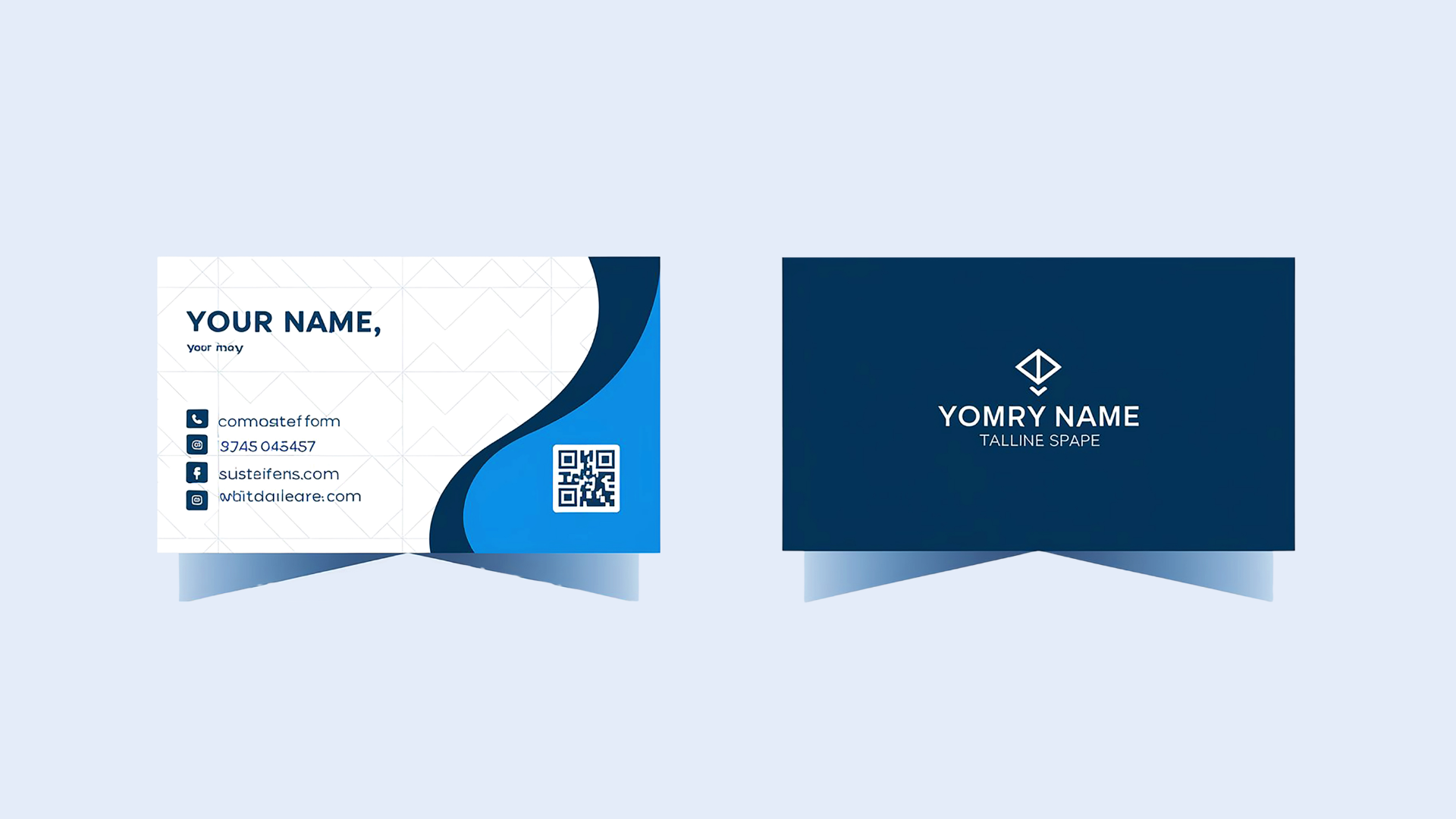
Just make sure the QR code leads somewhere useful. Don't add one simply because it looks modern. Think about what you actually want someone to do after they scan it.
Digital Name Card vs Physical Name Card: Detailed Comparison
If you are deciding between a digital business card vs physical business card, here is a side-by-side comparison.
What Happens | Physical Name Card | Digital Name Card |
When you first meet | Easy to hand over during the conversation | Easy to share through WhatsApp, QR code or a link |
Where it ends up | Often goes into a wallet, bag or stack of other name cards | Stays in their phone or WhatsApp conversation |
Remembering your face | Your card may not help them remember what you look like | Can be sent together with your selfie so they can put a face to your name |
Remembering what you do | Usually limited to your job title and company | Can include your positioning statement, services and useful links |
Remembering your conversation | The card itself gives little context about what you discussed | Your WhatsApp messages remain alongside your name card |
Finding your details later | They may need to search through the cards they've collected | They can search your name or scroll back to your WhatsApp conversation |
Following up | You may need to reintroduce yourself and remind them where you met | You're continuing an existing conversation with the context already there |
If your details change | You'll need to print new cards | You can update your digital card or send the latest version |
Best use | Making the initial face-to-face exchange | Helping the connection continue after the meeting |
Pros and Cons of Physical Name Cards
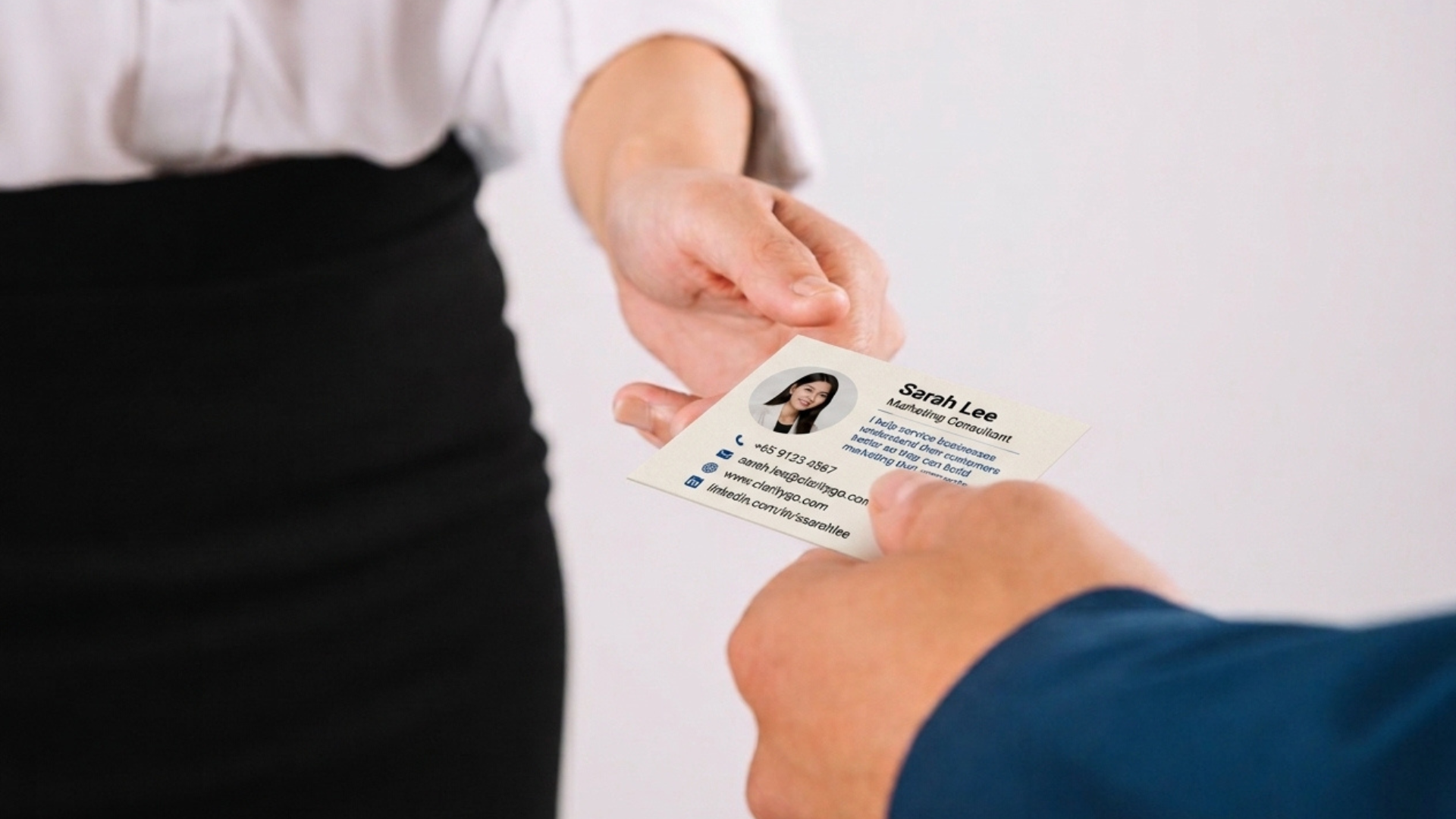
Advantages
Easy to Use: You can simply hand someone your name card without needing a phone, internet connection, or app.
Feels More Personal: A well-designed physical card can make the exchange feel more personal and leave a good first impression.
Works Well in Formal Settings: Physical name cards are still commonly used at business meetings, networking events, and more traditional corporate settings.
Disadvantages
Information Can Become Outdated: If you change your phone number, job title, website, or other details, you'll need to print a new batch of cards.
Easy to Lose or Forget: Your card may end up in a wallet, bag, or drawer with many other name cards, making it harder for someone to remember you later.
Ongoing Printing Costs: Once you run out, you'll need to print more. You may also waste unused cards if your details or branding change.
Pros and Cons of Digital Name Cards
Advantages
Easy to Share: You can send your digital name card through WhatsApp, a link, QR code, or NFC tap.
Easy to Update: If your phone number, job title, website, or other details change, you can update them without printing a new card.
More Information in One Place: You can include your website, social media profiles, portfolio, booking link, and other useful information.
Easy to Save and Find Later: Your digital name card can stay in the person's phone or WhatsApp conversation, making it easier to find when they need your details again.
Disadvantages
Requires a Phone: The other person needs a smartphone and may also need an internet connection to view your digital name card.
Not Everyone Likes Digital Sharing: Some people may prefer receiving a physical card instead of scanning a QR code, tapping an NFC card, or opening a link.
Feels Less Personal: A digital name card doesn't have the same physical feel as handing someone a nicely designed printed card.
Cost Comparison: Physical Name Card Printing vs. Digital Name Cards
The cost of a name card depends on the type you choose. With physical name cards, you pay whenever you need to print or reprint them. Digital name cards may be free or come with a monthly subscription, depending on the features you need.
Physical Name Card Printing Costs
Standard Paper Cards: Around S$20–S$50 per box of 100 cards, depending on the paper quality and printer.
Premium Finishes: Options such as thicker paper, foil stamping, embossing, or special finishes can cost more.
Reprinting Costs: If your phone number, job title, website, or branding changes, you'll need to print a new batch. Any unused cards may also go to waste.
Digital Name Card Costs
Create Your Own for Free: You can design a name card in Canva, save it as an image, and send it directly through WhatsApp. Canva's free version is enough for a simple name card, although some templates and design elements require Canva Pro.
Free Digital Name Card Apps: Some platforms offer free plans with basic features such as QR code sharing and contact saving.
Paid Digital Name Card Plans: Paid plans usually give you additional features such as custom branding, analytics, lead forms, or integrations.
NFC Business Cards: If you want a reusable physical card that links to your digital profile, you can purchase an NFC card for a one-time cost.
Cost Verdict: A physical name card may be affordable to start with, but you'll need to pay for new cards whenever you run out or your details change. A digital name card can be more cost-effective over time because the same card can be shared repeatedly and your information can be updated without reprinting.
Frequently Asked Questions (FAQs)
Are physical business cards still relevant?
Yes. Physical business cards are still useful for face-to-face meetings, corporate events, traditional industries and situations where a tangible card feels more appropriate.
Is a digital business card better than a physical business card?
A digital business card is easier to update, share and connect to online links. A physical business card is easier to exchange without technology and may feel more personal or formal. Which one is better depends on how you network.
How does a digital business card work?
A digital business card lets you share your contact details directly from your phone. It can be as simple as sending an image of your name card through WhatsApp, or you can use a digital name card platform and share it through a link, QR code, or NFC tap.
What should I put on a digital name card?
Include your name, job title, company, phone number, email, website, relevant social links, and a short positioning statement that explains who you help and what you do.
Should I put a QR code on my business card?
Yes. A QR code can make it easier for someone to open your digital name card, website, WhatsApp, portfolio, or contact details without manually typing them in.
What is an NFC business card?
An NFC business card contains a small chip that opens your digital profile when someone taps the card with a compatible smartphone.
Is an NFC business card better than a QR code business card?
An NFC card is reusable and allows someone to tap their phone to open your profile. A QR code business card can be handed to someone and scanned later. Both can work well depending on your networking style.
Can a digital name card replace a physical business card?
Yes, in many situations. However, physical business cards can still be useful for formal meetings and face-to-face networking. Some people prefer using both.
Final Verdict: Which Should You Choose?

Choose Physical Name Cards if: You prefer something tangible to hand over, attend more formal business meetings, or meet people who are more comfortable with traditional name cards.
Choose Digital Name Cards if: You want something that's easy to share, update, and keep on someone's phone. They're especially useful if you usually follow up through WhatsApp.
The Best Overall Choice: You don't necessarily have to choose one. Use a physical name card when it makes sense, but also connect on WhatsApp and send your digital name card or an image of your card together with your selfie. This gives the person more context and makes it easier for them to remember you when you follow up.
At the end of the day, your name card is only one part of networking. Whether you choose a physical name card, digital name card, or both, what matters is giving the other person enough context to remember you when you follow up.
Because the goal isn't to hand out the most name cards. It's to build connections people actually remember.


