
Landing Page Form: What Comes After Submission
Someone has just landed on your page, read your offer, filled in their details and clicked submit. From your side, that’s a conversion. But from their side, there are still a few things that need to happen.
So... What happens next?
It’s something that’s easy to overlook. Most of the focus usually goes into the landing page itself: the headline, the offer, the design and the form. But what happens after someone actually clicks that button?
Put yourself in their position for a second and think from their point of view. Did the form go through? Where do they get the guide, checklist or discount they signed up for? Will someone from the business contact them, and when? What are they supposed to do next?
In this article, we’ll look at what someone should experience after submitting a landing page form, as well as what happens behind the scenes to make sure their information gets where it needs to go.
What Happens After Someone Submits a Landing Page Form?
Once someone submits your landing page form, a few things can happen. The exact process depends on what they’ve signed up for and how you’ve set everything up, but it might look something like this:
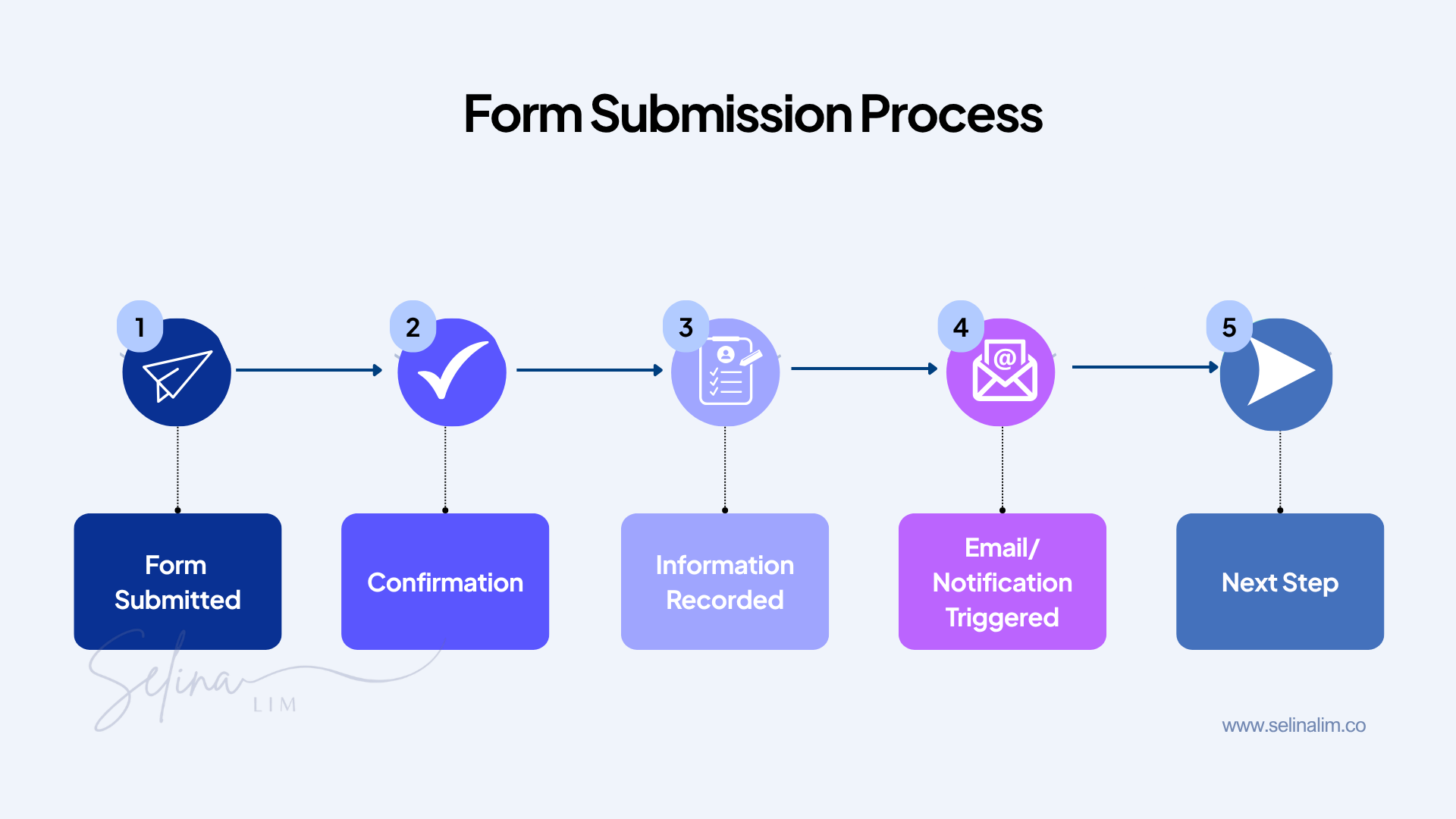
From the visitor’s side, they should see something that lets them know their form was successfully submitted. They should also know what happens next, whether that’s receiving a guide, joining a webinar, waiting for a reply or attending a booked call.
Behind the scenes, their information also needs to go somewhere. It might be added to your CRM or email list, trigger an email or notify you that someone has submitted the form.
Let’s go through each part.
They Should Know Their Form Was Submitted Successfully
The first thing someone needs to know after clicking submit is whether their form actually went through. Think about it from their point of view. If you filled out a form, clicked submit and then nothing happened, you’d probably wonder: Did it go through? Should I submit it again? Did something go wrong?
That’s why there should be some kind of confirmation immediately after someone submits your form.
Show a Confirmation Message
One option is to keep them on the same page and show a confirmation message after the form is successfully submitted. For example:
“Thanks! We’ve received your enquiry and will get back to you within 1–2 business days.”
Now they know their enquiry was successfully submitted and when they can expect to hear from you.
Redirect Them to a Thank You Page
Another option is to send them to a separate thank-you page after they submit the form. Instead of showing a short message on the same page, they’re taken to another page that confirms what they just did and can give them more information about what happens next.
Either option can work. The important thing is that someone isn’t left wondering whether their form went through.
Tell Them What Happens Next
Knowing that the form was submitted successfully is one thing. But depending on what someone signed up for, they may still have questions. Where’s my guide? How do I join the webinar? When will someone reply to my enquiry? Is my call confirmed?
What you tell them next should depend on what they just did.
Signing Up for a Lead Magnet
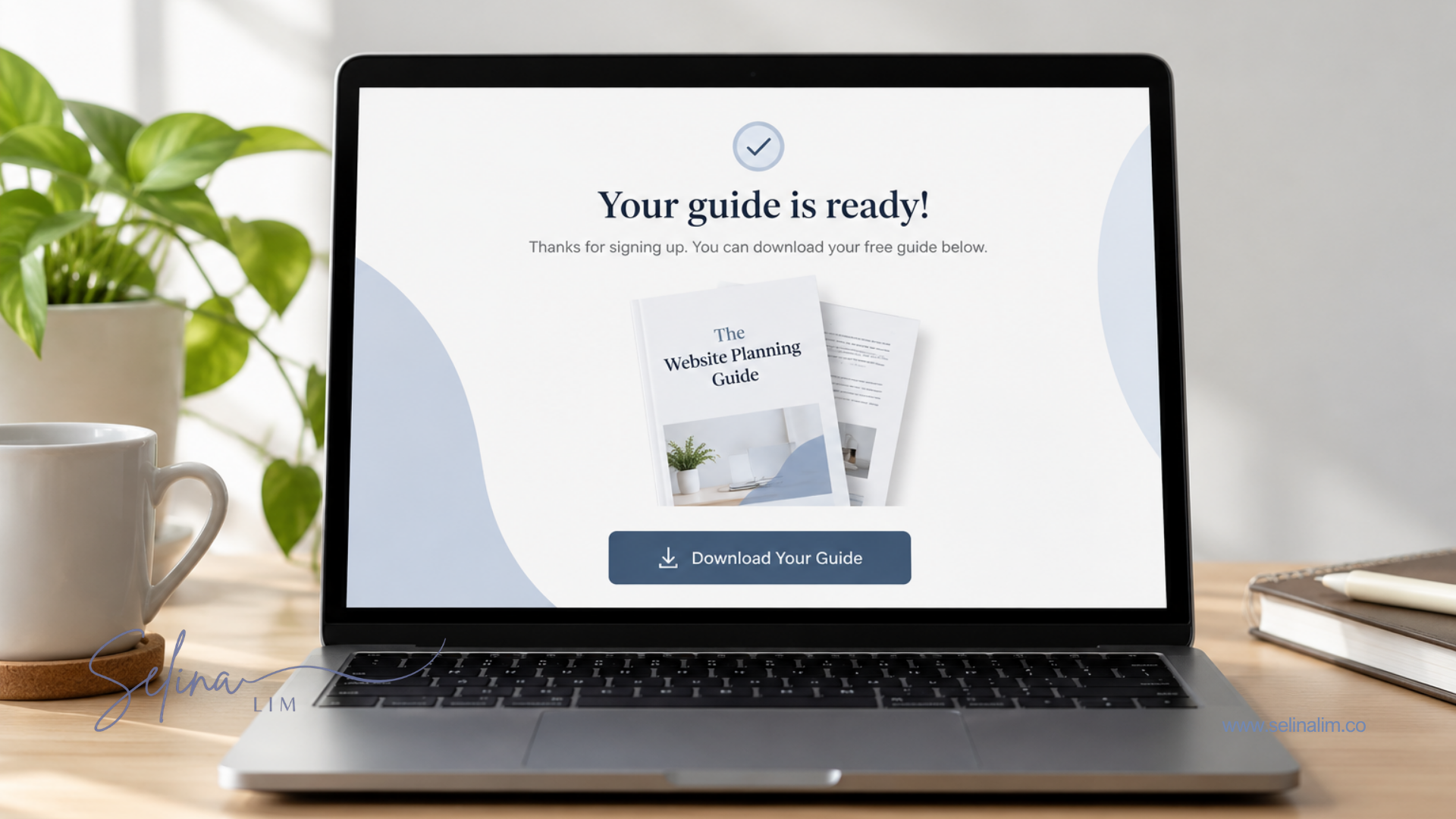
If someone signed up for a free guide, checklist, template or another resource, tell them where they can get it. They might be able to access it immediately on the next page, or you might send it to them by email. Either way, make that clear so they aren’t left wondering where it is.
Registering for a Webinar or Event
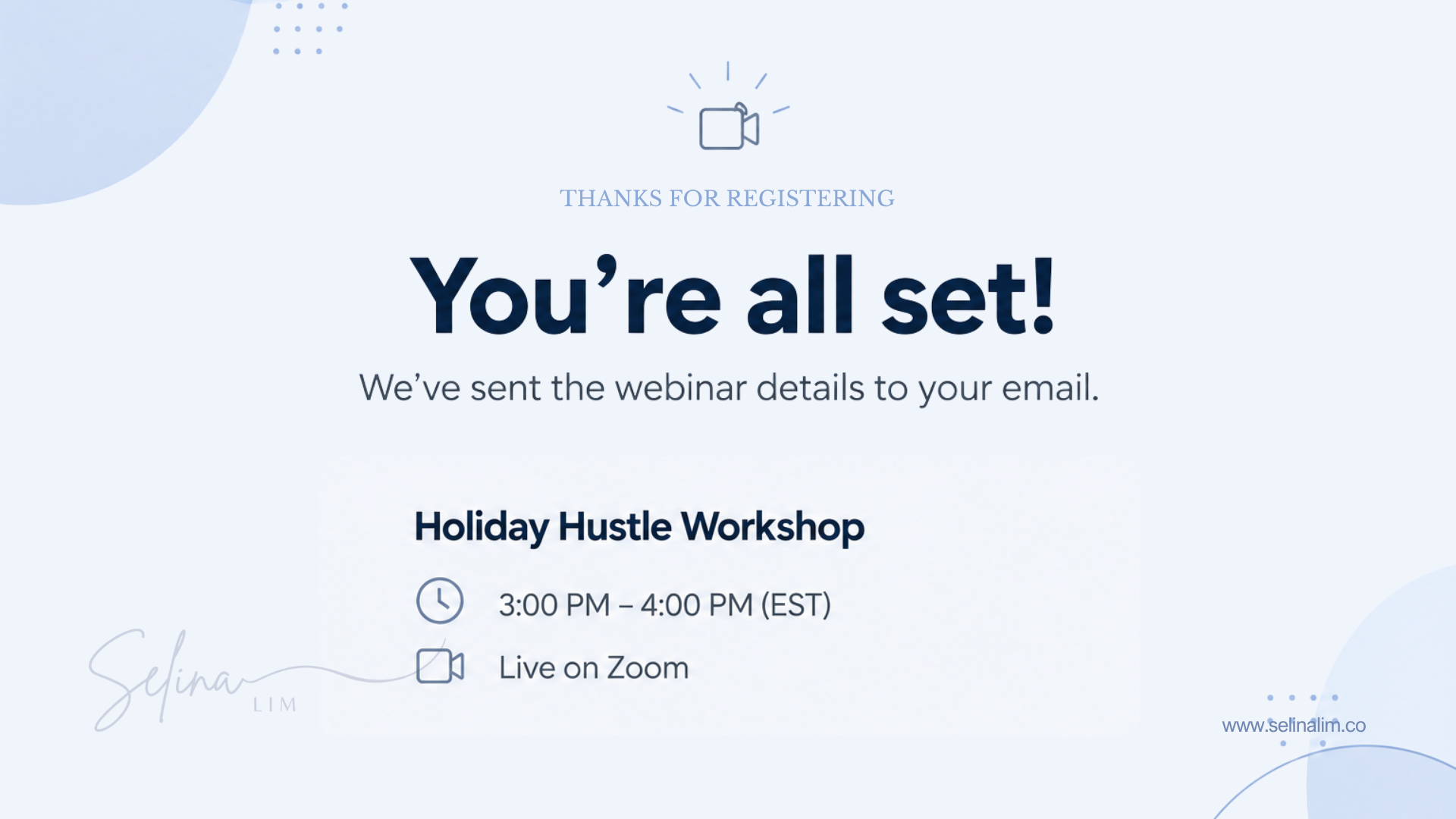
If someone registered for a webinar, workshop or event, remind them of the date and time and tell them what they need to do next. If you’re sending the joining details or a calendar invitation by email, let them know so they know what to look out for.
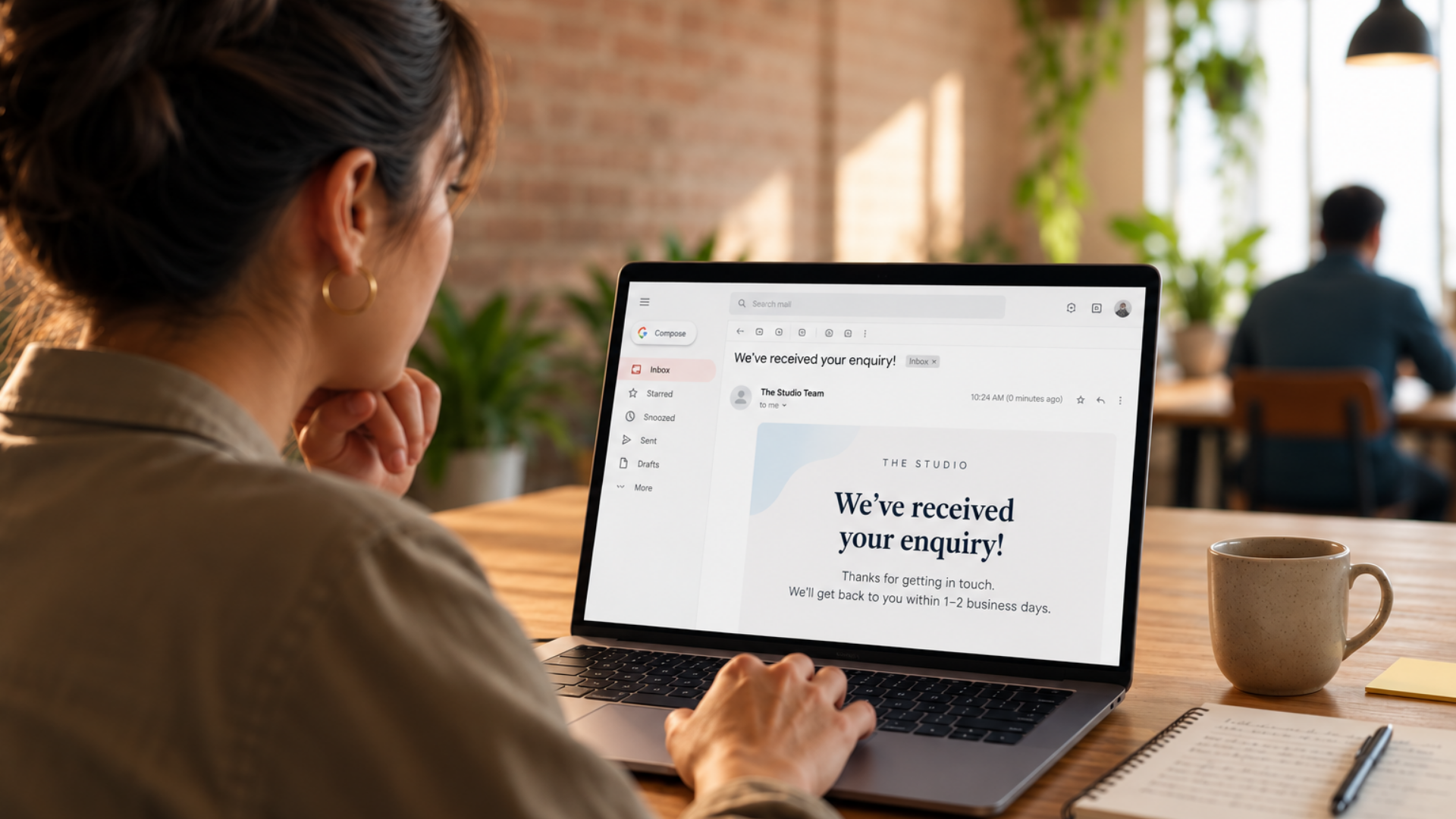
Submitting an Enquiry
If someone has just enquired about working with you, confirm that you’ve received their enquiry and tell them what happens next. If possible, give them an idea of when they can expect to hear from you.
Even something as simple as “We’ll get back to you within 1–2 business days” removes the uncertainty of not knowing when they’ll receive a response.
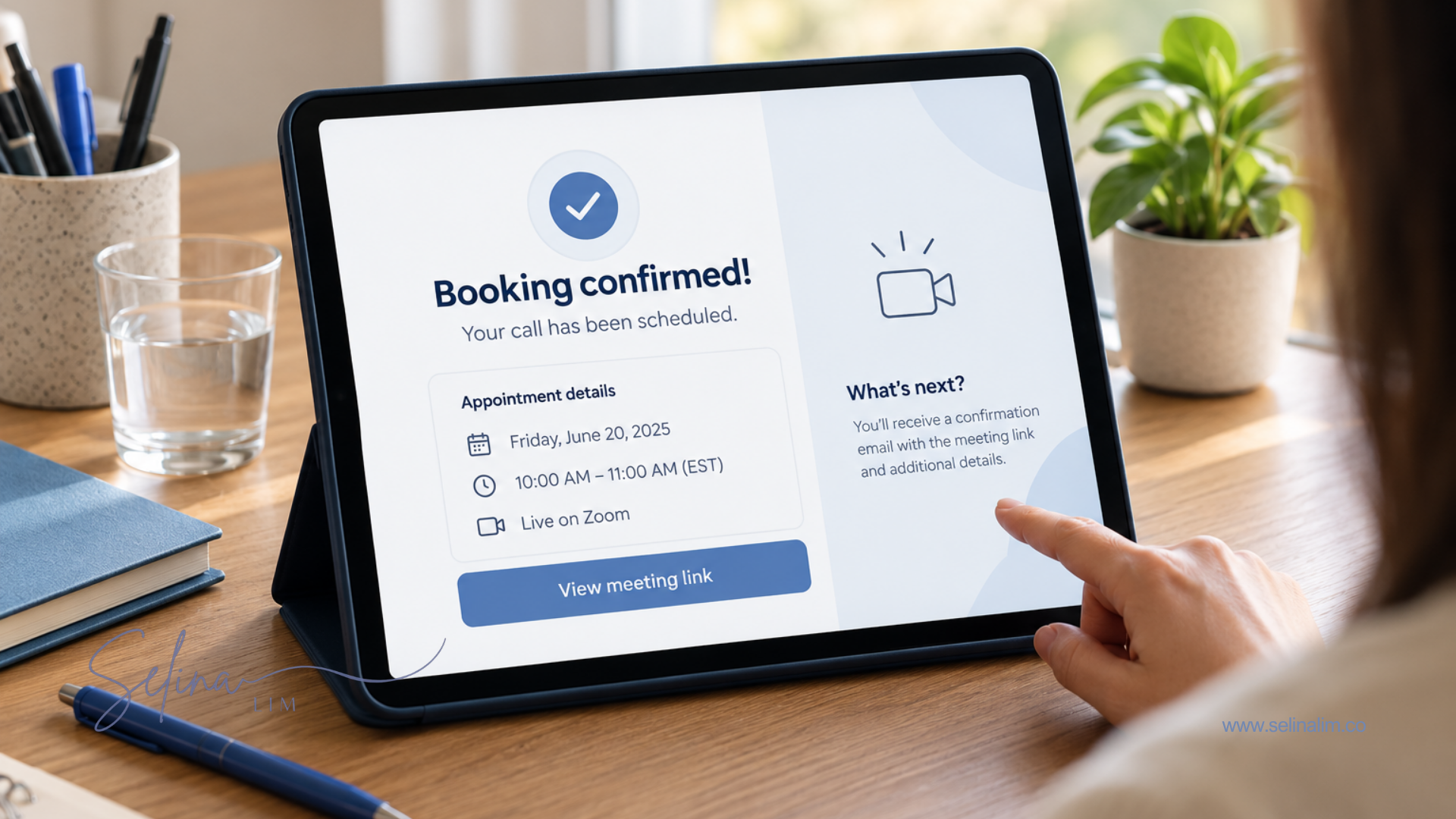
Booking a Call
If someone booked a call, make sure they know the booking is confirmed. Remind them of the date and time, and let them know how the call will take place. If it’s an online call, tell them where they can find the Zoom or Google Meet link.
Making a Purchase
If someone has just paid for something, confirm that their payment went through. Depending on what they purchased, tell them what happens next, whether that’s when their order will be delivered, where they can access what they bought or whether there’s anything else they need to do.
The easiest way to decide what information to give someone is to look at it from your customer’s point of view. Think about what they just signed up for and what you would want to know if you were in their position. That will usually give you a good idea of what they need from you next.
What Happens to the Information They Submitted?
So far, we’ve mostly looked at what happens from the visitor’s side. But what happens to the information they entered into your form?
When someone submits a form, those details need to go somewhere. Depending on how you’ve set things up, their information might be stored as a contact in your CRM, added to your email list, sent to you or your team as a notification, used to trigger an automated email or passed to another system needed for the next step.
If you’ve never heard of a CRM before, it stands for Customer Relationship Management. In simple terms, it’s a system businesses use to keep track of their contacts, leads and customers.
You may also have automations set up. An automation is when something happens automatically after the form is submitted instead of you having to do it manually every time.
For example, someone submits an enquiry form and the system automatically sends them a confirmation email while notifying you that there’s a new enquiry.
You don’t need to understand all the technical details behind it. The important thing is to make sure the person’s information goes where it needs to go and whatever is supposed to happen next actually happens.
Should You Send a Confirmation or Follow-Up Email?
After someone submits a form, it’s a good idea to send them a confirmation email so they know their submission has been received. Unlike the confirmation message they see immediately after clicking submit, an email stays in their inbox so they can refer back to it later.
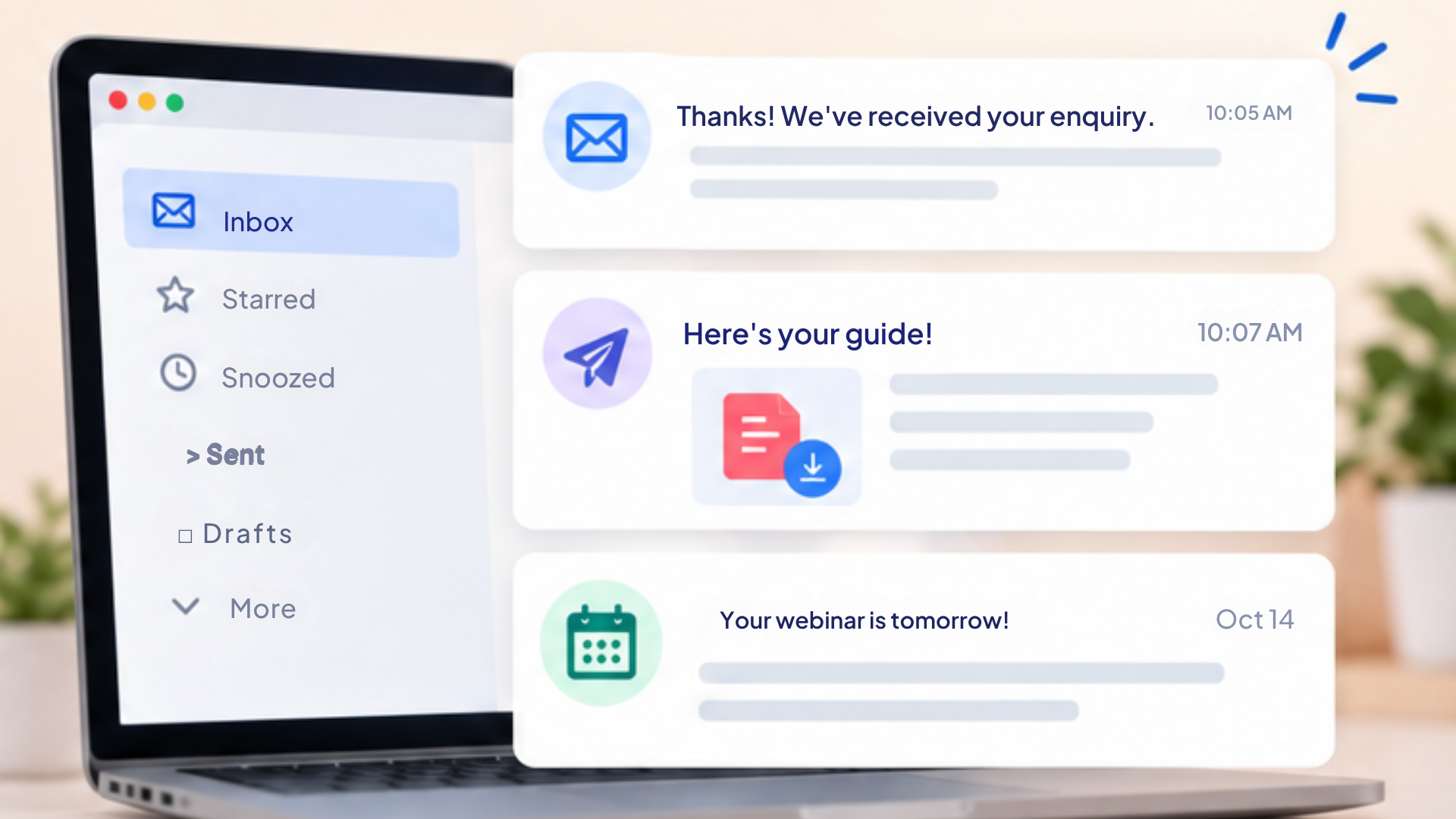
What goes into the confirmation email will depend on what they signed up for. If they downloaded a lead magnet, the email could include the resource or a link to access it. If they registered for a webinar, it could include the date, time and joining details. If they submitted an enquiry, it could confirm that you’ve received it and tell them when they can expect a response. For a booked call, it could include the appointment details, while a purchase confirmation could include their receipt and information about what happens next.
Then there are follow-up or reminder emails, which happen after the initial confirmation email.
For example, if someone registered for a webinar happening next week, you might send them a reminder the day before and another shortly before it starts. If someone booked a call, you might send them a reminder 24 hours before their appointment.
These emails can also be automated, so once someone submits the form, the right emails can be sent at the right time without you having to send each one manually.
The main thing is to think about what information someone needs immediately after submitting the form, and what they might need again later.
Don’t Forget About the Thank You Page
One common way to handle what happens after someone submits a form is to send them to a separate thank-you page. And a thank-you page doesn’t have to simply say “Thank you!”
It can confirm what they just did, tell them what happens next and give them any information they need immediately. For example, it might tell them to check their email for a guide, remind them when their webinar starts or let them know when they can expect a reply.
What you include will depend on what the person just signed up for, but the main thing is not to treat your thank-you page as an afterthought. It’s still part of their experience with your business after they’ve converted.
Frequently Asked Questions
What Happens After Someone Submits a Form?
It depends on how the landing page and form have been set up. Usually, the person will see some kind of confirmation, their information will be recorded and an email, notification or another action may be triggered. They should also be told what happens next.
Should I Use a Confirmation Message or a Thank You Page?
Either can work. A simple confirmation message may be enough if there isn’t much else the person needs to know, while a separate thank-you page gives you more space to explain what happens next or provide additional information.
Should I Send an Email After Someone Fills Out a Form?
It depends on what they filled out the form for. An email can be useful when the person needs information they’ll want to refer to later, such as a download link, webinar details, appointment information or an order confirmation.
What Happens to the Information Someone Enters Into a Form?
It depends on how your systems are set up. Their information might be stored in your CRM or contact list, added to your email system, sent to you as a notification or used to trigger an automated action such as a confirmation email.


