
What Should You Put on a Thank You Page?
Someone has just filled in a form on your landing page. They have given you their details, maybe booked a call or downloaded something, and you've decided to send them to a thank-you page.
But... what should you actually put on that page?
You could add a “Thank you!” message and leave it as it is. But from the visitor's point of view, they may still have questions. Did it work? What happens next? Where do I get what I signed up for? Is there anything else I need to do? When will I hear back?
In my previous article, I talked about what happens after someone fills out a landing page form. This time, let's look specifically at the thank-you page and what you should actually include on it.
What Is a Thank You Page?
A thank-you page is a page someone is redirected to after completing an action on your site, such as submitting a form, downloading a resource, registering for an event, booking a call or making a purchase. And despite the name, its purpose isn't only to say “Thank you!”
It can also confirm that the action was completed successfully, tell the visitor what happens next and give them any information they might need immediately. A thank-you page doesn't need to be complicated. What you include will depend on what the person did before they landed on it.
What Should You Put on a Thank You Page?
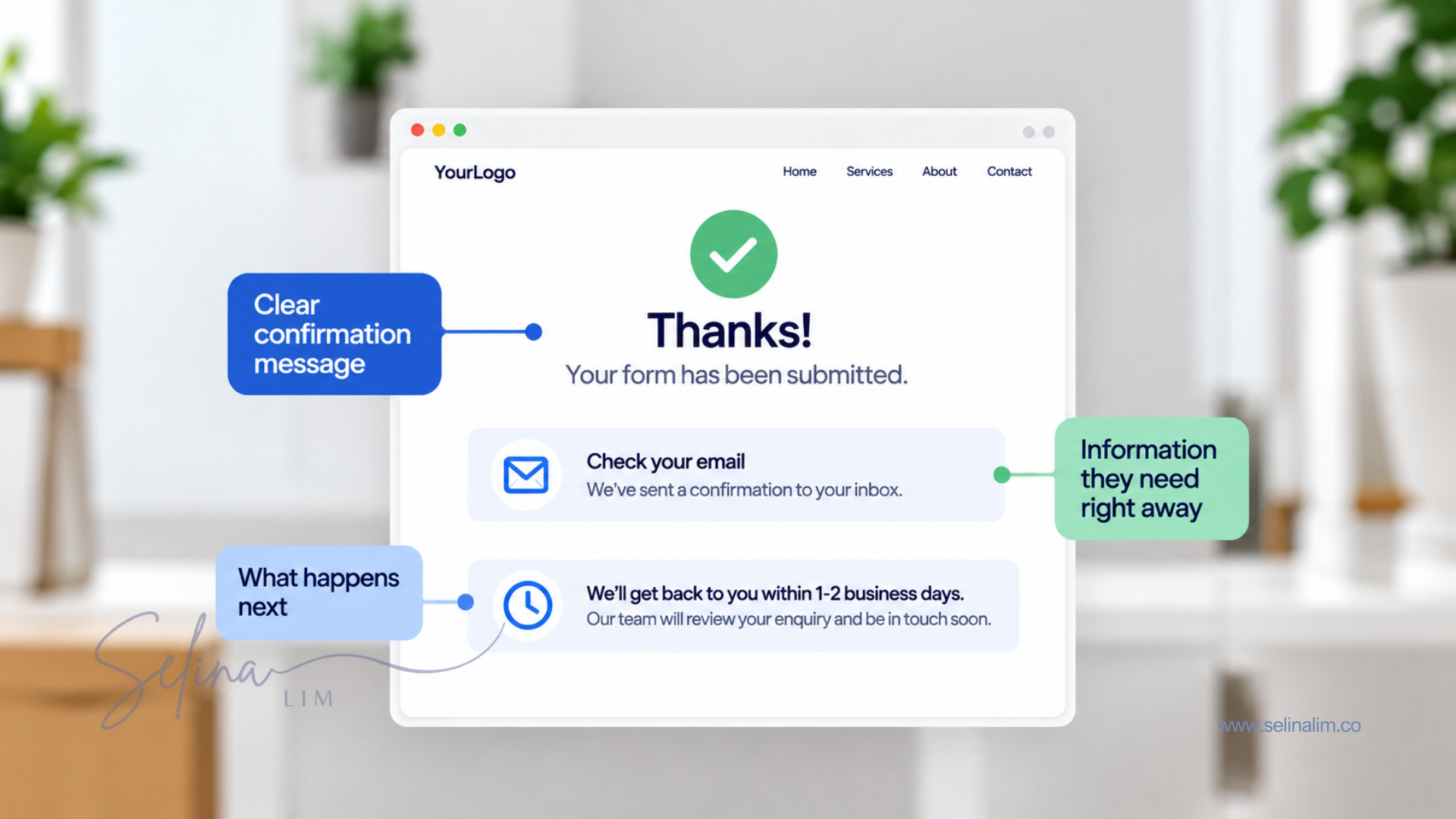
What you put on your thank-you page will depend on what the visitor just did. Someone who downloaded a guide isn't going to need the same information as someone who booked a call or made a purchase.
But there are a few things you can think about when deciding what to include.
A Clear Confirmation Message
The first thing your thank-you page should do is confirm that the action was completed successfully. Just saying “Thank you!” doesn't necessarily tell someone what they're being thanked for or whether everything actually went through.
Instead, you can be more specific:
“Thanks! We've received your enquiry.”
“You're registered for the webinar.”
“Your call is booked.”
This gives the visitor confirmation that whatever they just submitted, registered for or booked went through successfully.
What Happens Next
Once someone knows their action was successful, they'll probably want to know what happens next. Will you contact them? Should they expect an email? When will they hear from you? Is there something happening on a particular date?
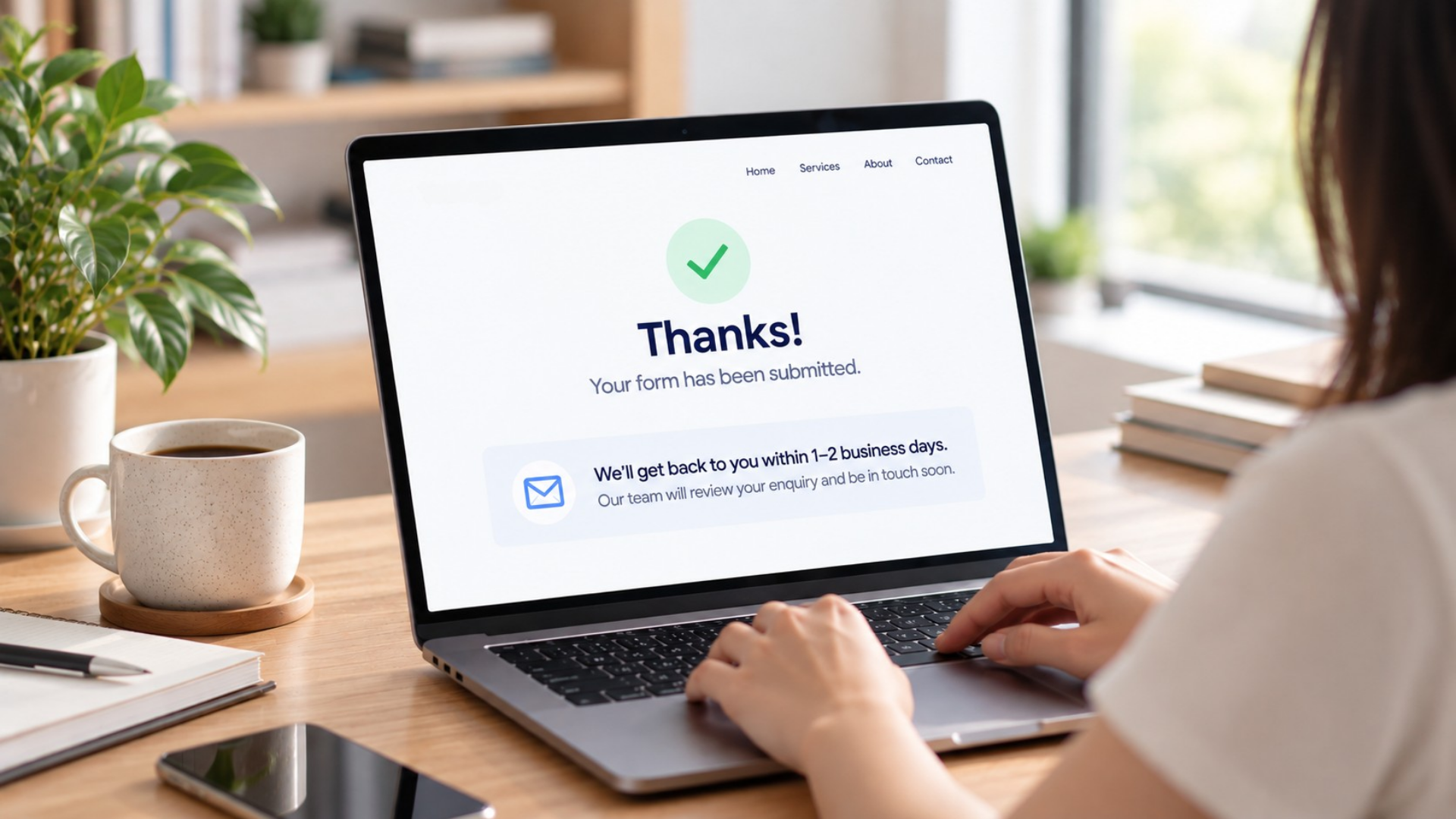
You don't need to explain your entire process. Just give them the information that's relevant to them. For example, if someone submitted an enquiry, you could tell them, “We'll get back to you within 1–2 business days.” Now they know their enquiry was received and roughly when they can expect to hear from you.
Anything They Need Right Away
Some visitors may need information or access immediately after completing the action. For example, you might include a download button for a guide, the date and time of a webinar, booking details or instructions for what they need to do next.
If there's anything they would want or need straight away, make it easy for them to find on the page. You can also send the same information by email so they have something they can go back to later. Having it on the thank-you page gives them immediate access, while the email gives them something they can go back to later.
A Next Step, If There Is One
Your thank-you page can also give someone another action to take, but it doesn't always need to. Maybe they should add the event they just registered for to their calendar. Maybe there's another step they need to complete before a booked call. Or perhaps there's a relevant article that would genuinely be useful to them while they wait.

The next step should make sense based on what they just did. You don't need to add another CTA just because someone has already converted. If there isn't a logical next step for them to take, it's okay to leave it out.
What You Put on a Thank You Page Depends on What They Signed Up For
The things we've just talked about can look quite different depending on why someone landed on your thank-you page in the first place.
Here are a few examples.
Lead Magnet Thank You Page
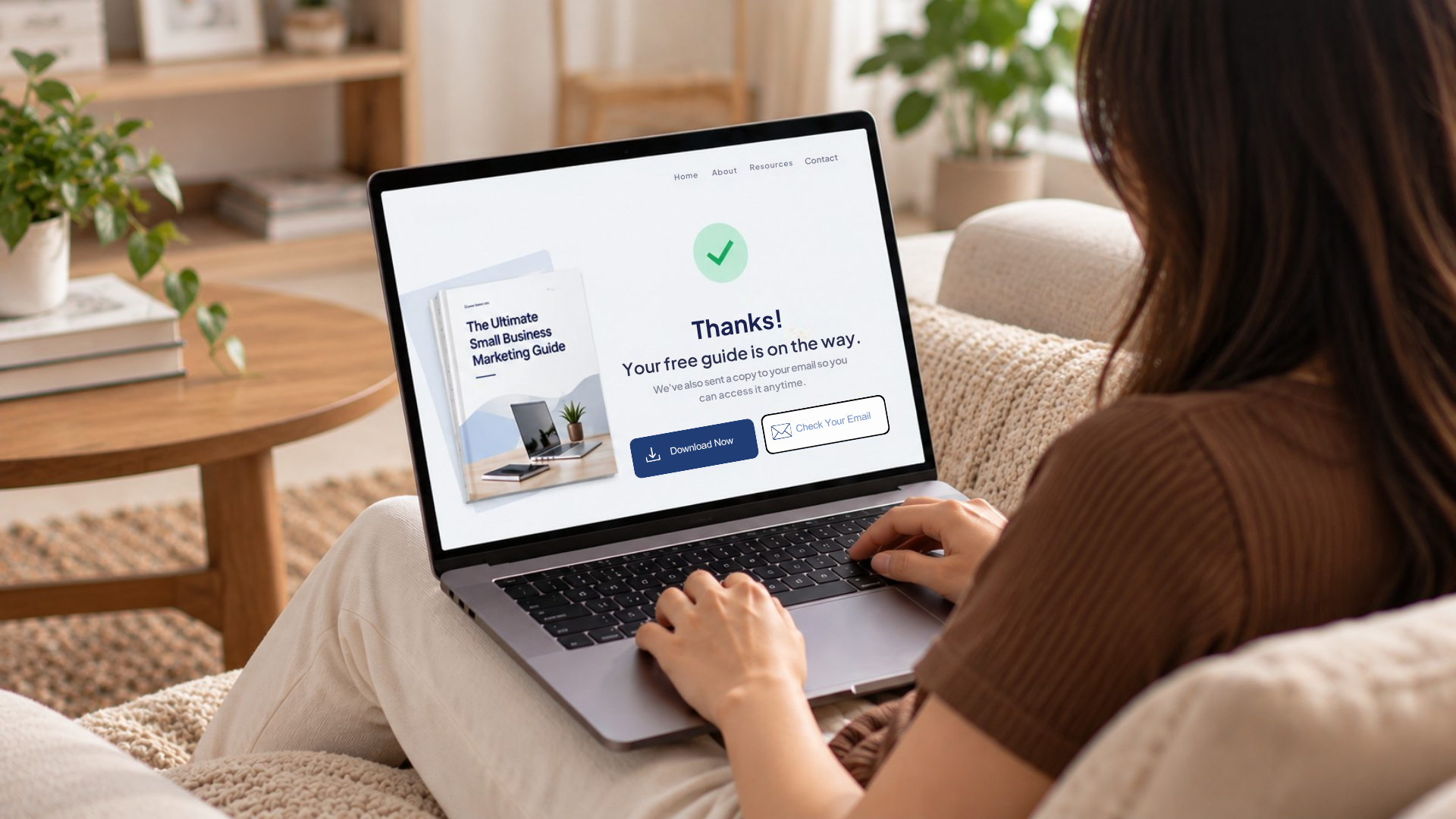
If someone signed up for a free guide, checklist, template or another resource, confirm that their signup was successful and tell them where to get it. If you're sending it by email, let them know to check their inbox. If they can access it immediately, you could also include a download button directly on the thank-you page.
Webinar or Event Thank You Page
If someone registered for a webinar, workshop or event, confirm their registration and show them the important details, such as the date and time. You could also include an Add to Calendar button or let them know where and when they'll receive the joining details.

Enquiry Thank You Page
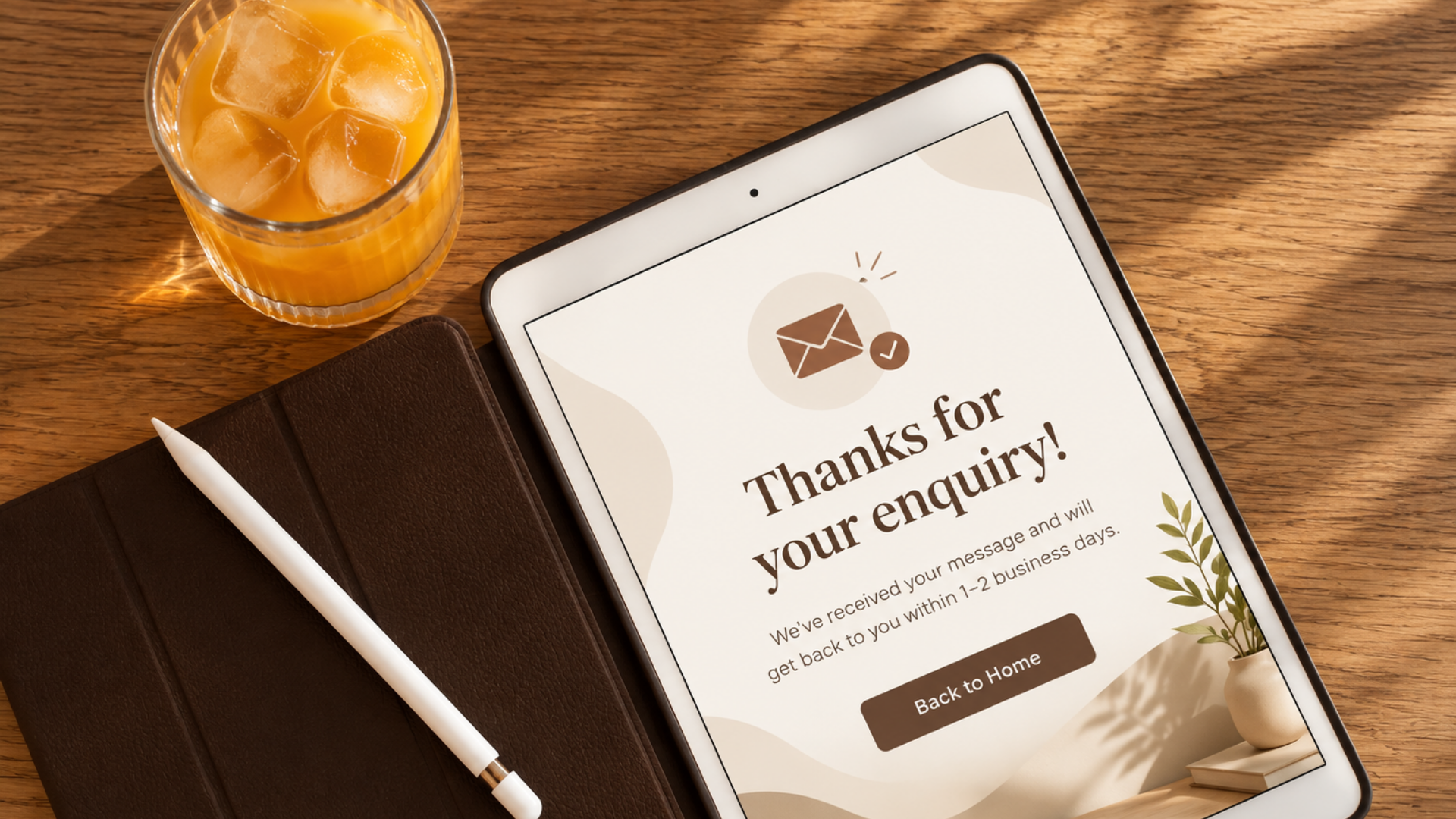
If someone submitted an enquiry, let them know you've received it and explain what happens next. If possible, tell them when they can expect a response. A message like “We'll get back to you within 1–2 business days” gives them a much clearer idea of what to expect.
Call Booking Thank You Page
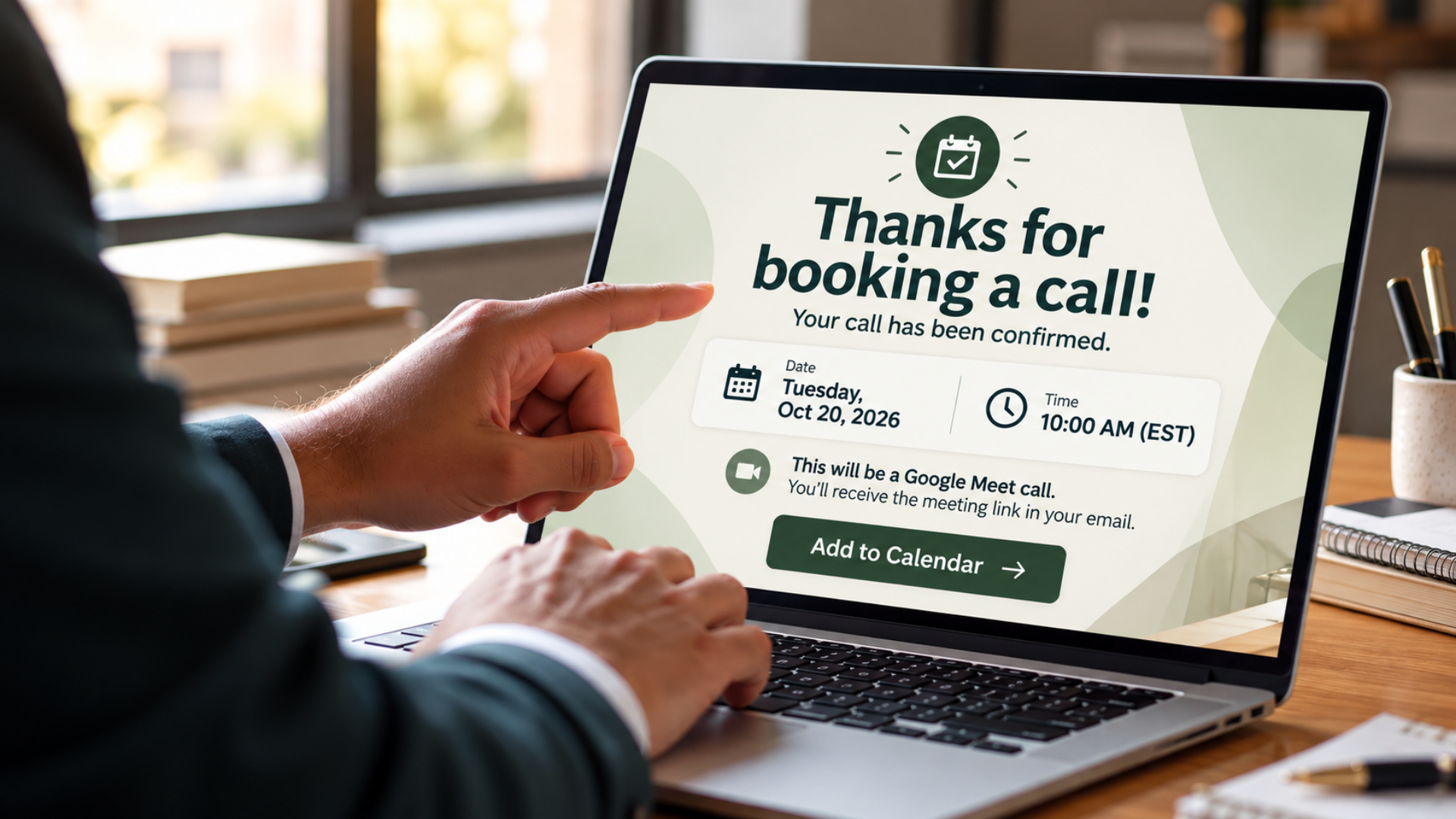
If someone booked a call, confirm that the booking went through and remind them of the date and time. You can also tell them how the call will take place and where they can find the meeting link. If there's anything they need to prepare before the call, you can include that here too.
Purchase Thank You Page
If someone has just made a purchase, confirm that their order or payment went through and tell them what happens next. Depending on what they bought, this could include information about delivery, how to access their purchase or whether there's anything else they need to do.

There's no single thank-you-page template that works for every situation. What someone needs to see depends on what they did before landing on the page.
What Should You Not Put on a Thank You Page?
Adding more things to your thank-you page doesn't necessarily make it better. The goal is to give the visitor the information they need without making the page confusing or overwhelming.
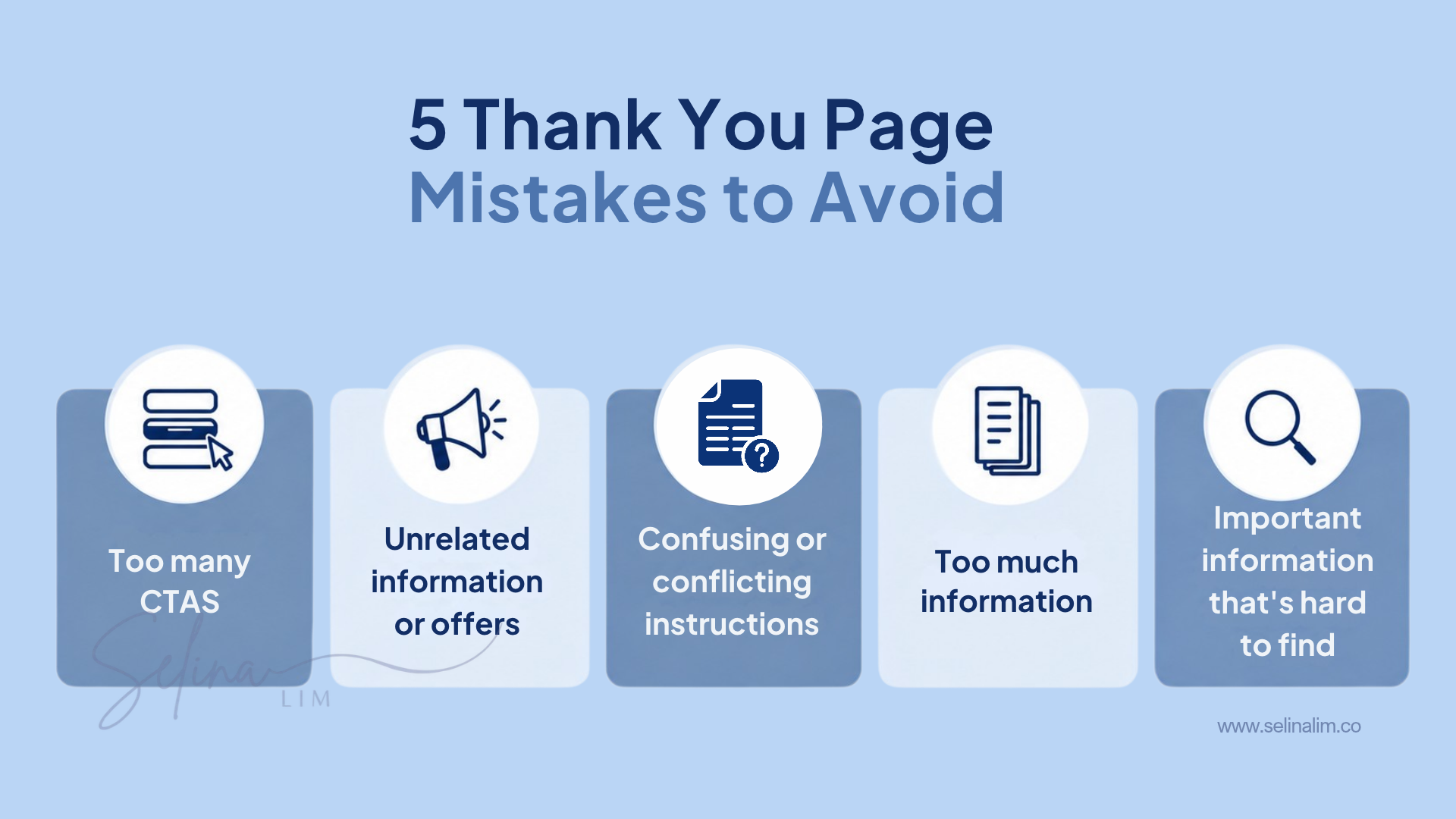
Here are a few things to be careful of:
Too many CTAs. Giving someone several different things to do at once can make it harder for them to know what to do next.
Unrelated information or offers. You can introduce another offer after someone converts, including an upsell or one-time offer (OTO), but it should be relevant to what they just signed up for or purchased.
Confusing or conflicting instructions. Make it clear what they need to do next instead of giving them different directions.
Too much information. Not everything needs to be explained on the thank-you page. Focus on the information the visitor actually needs at that point.
Important information that's hard to find. Details such as a download link, booking time or next step shouldn't be buried further down the page.
An upsell, OTO, social media link, related article or another offer isn't automatically a bad thing to include. There may be situations where giving someone another option is useful. Just make sure it doesn't distract from the confirmation, information or next steps they need first.
Look at Your Thank You Page From Your Customer's Point of View
When deciding what should go on your thank-you page, try looking at it from the point of view of the person who has just landed there.
Instead of starting with “What else can I get them to do?”, think about “If I had just completed this action, what would I want to know next?”
You can use this simple checklist when reviewing your thank-you page:
If you can answer yes to these questions, you're probably giving the visitor the most important information they need.
You don't need to add something to your thank-you page just because you've seen another business doing it or because it's considered a best practice. What matters is whether it's useful for the person who has just completed that action and whether the page gives them the information they need.
Frequently Asked Questions
What Is a Thank You Page?
A thank-you page is a page someone may be redirected to after completing an action, such as submitting a form, registering for something, booking a call or making a purchase. It usually confirms that the action was successful and gives them any information they need next.
What Should a Thank You Page Say?
A thank-you page should confirm what the visitor just did and tell them anything they need to know afterwards. The exact message will depend on the action, whether that's downloading something, submitting an enquiry, making a booking or placing an order.
Do I Need a Thank You Page After Someone Submits a Form?
Not always. A clear confirmation message on the same page can be enough for a simple form. A separate thank-you page can be useful when there's more information to share or a clear next step to explain.
Should a Thank You Page Have a Call to Action?
It can, but it doesn't have to. If there's another action that would be useful for the visitor, you can include it. But you don't need to add another CTA just because you feel every page should have one.


